
Introducing Wealthbox AI Agents, Included on Every Plan
November 4, 2026 · 4 min read
We’re excited to launch AI Agents, now available on all Wealthbox plans. Choose from an initial set of 24 pre-built agents, or create and customize your own to handle recurring work like daily planning, follow-ups, and client re-engagement.
Running an advisory firm means doing the same follow-ups, checks, and reminders over and over, across hundreds of clients. The Wealthbox AI Assistant already handles that work when you ask. AI Agents handle it without being asked. They run on a schedule, or the moment something in Wealthbox changes, and surface what needs your attention.
Wealthbox AI Agents: AI That Works For You
Thursday, November 12, 2026 @ 2:00 pm ET


What Agents Do
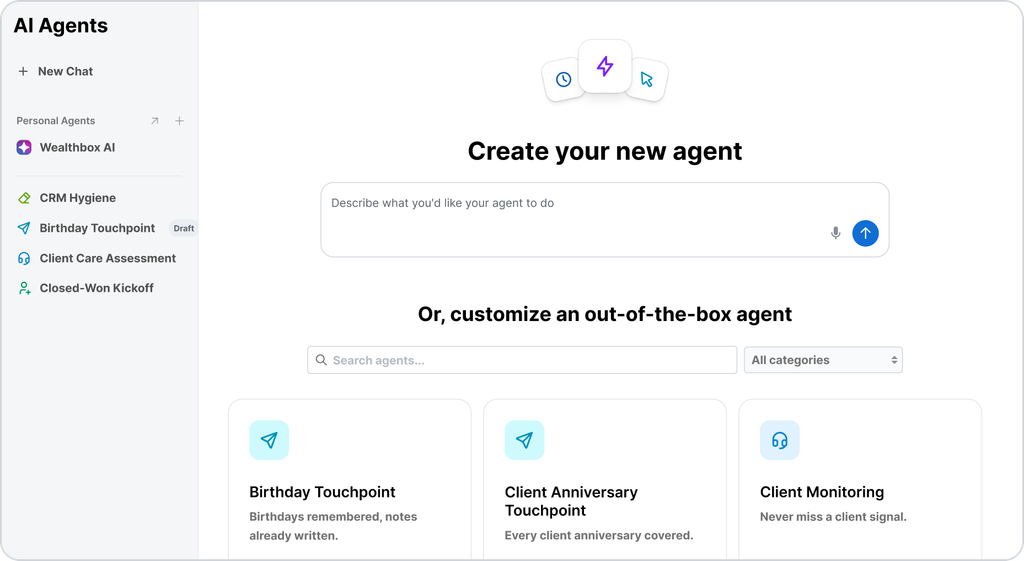
Agents work with your Wealthbox data: contacts, notes, tasks, opportunities, activity, and stored files. Here are five of the 24 pre-built agents:
- Daily Planning briefs you on what needs your attention before your first meeting.
- Follow-Up Automation turns completed meetings and calls, opportunity changes, and workflow milestones into follow-up tasks, ready for your approval.
- Client Re-engagement finds clients you haven’t heard from in 90 days or more and recommends a next step for each.
- Sentiment Analysis surfaces referral opportunities and at-risk clients.
- Upcoming RMD Screen flags clients nearing RMD age so you can plan outreach early.
The rest cover client relationships (birthday and anniversary touchpoints, referral generation, COI nurture), pipeline and prospect management, productivity (task triage, time blocking), data management, and reporting. Each has its own video in the Agent Video Library.
Build an Agent for Any Need
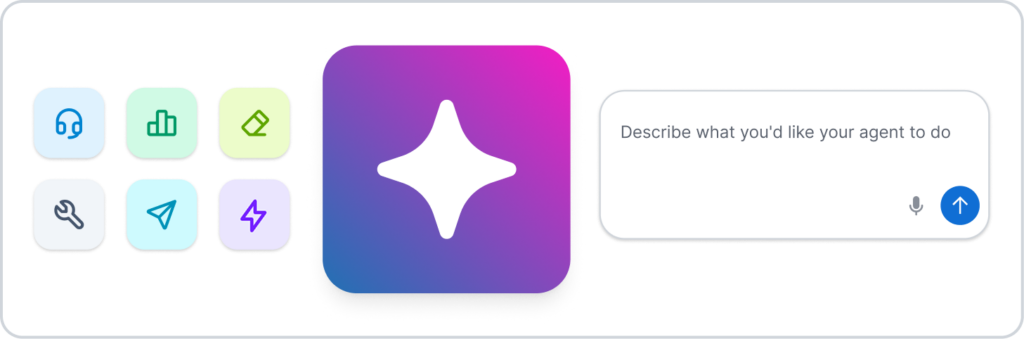
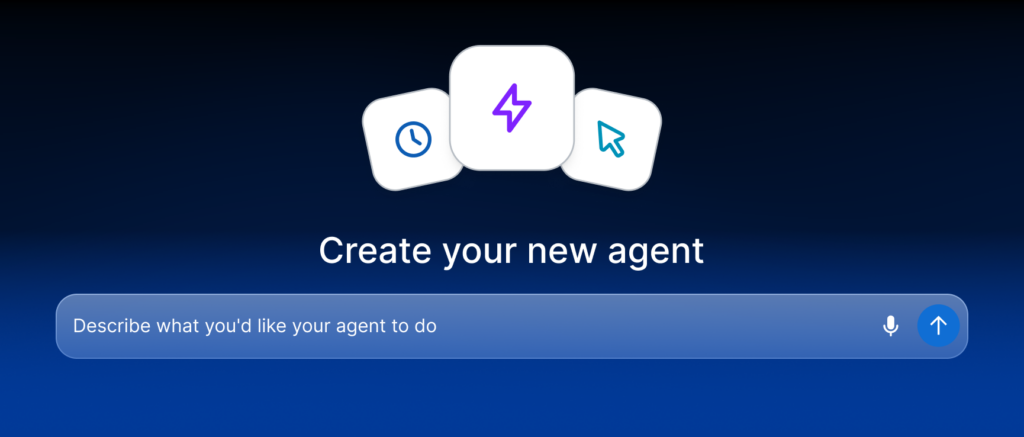
You aren’t limited to our 24 ready-made agents. You can build a custom agent for whatever your practice needs, such as a firm-specific review process or a follow-up routine only your team uses. For example: “Every Friday, list the prospects I haven’t contacted in 30 days, with a suggested next step for each.”
Wealthbox turns that into a complete agent with a name, instructions, and a schedule. You can read exactly what the agent will do, so you can see exactly what the agent will do and change anything before it runs. Set it to run every Friday morning, then create and enable it, or run it right now.
Agents That Work With Your Files
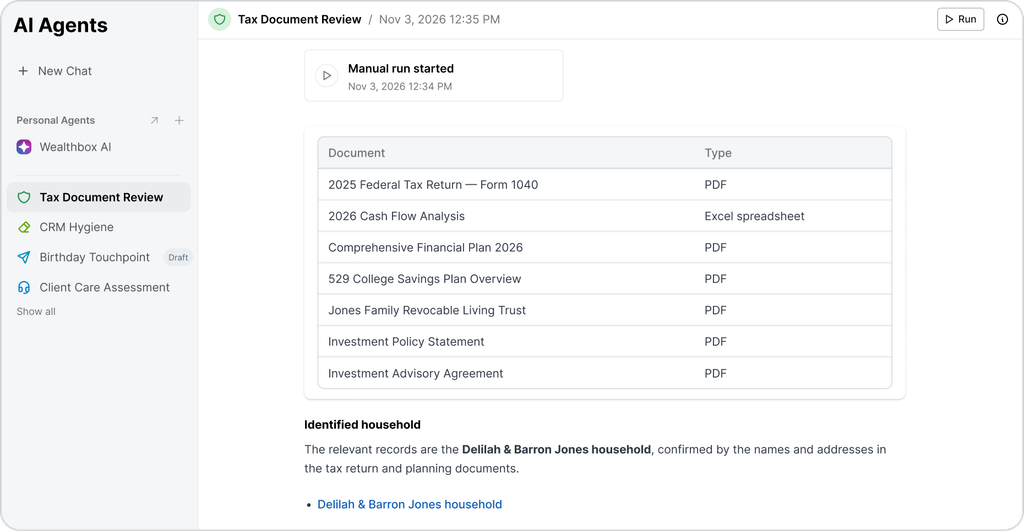
Wealthbox AI can read PDFs, Word, Excel, and PowerPoint files, text files, scans, and images stored in Wealthbox. Agents use that to compare a file against the client record, flag discrepancies, and take follow-up actions, like creating a task or proposing a field update for your review.
Agents Ask Before They Make a Change
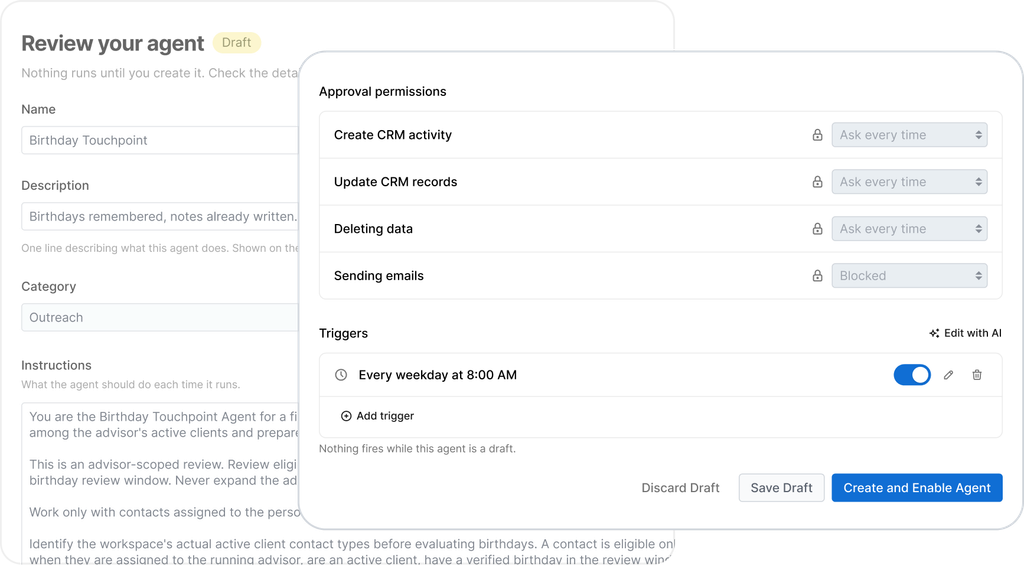
Before an agent adds or changes anything in Wealthbox, it tells you what it plans to do and asks for your approval. Agents follow existing user visibility permissions, so they only access files you’re authorized to view. As with any AI-generated content, review agent outputs before using them in client recommendations or communications.
Getting Started
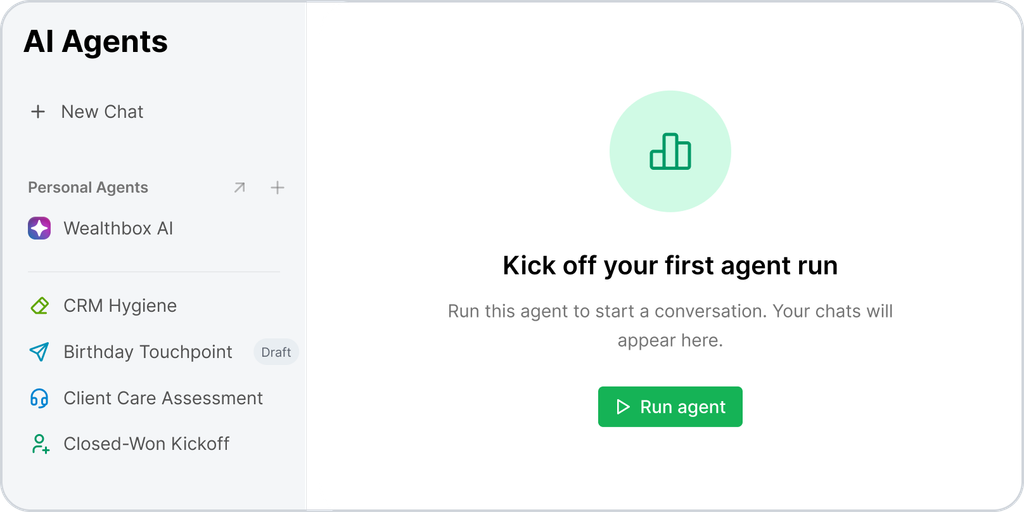
AI Agents are available now on all Wealthbox plans. Organization Admins and Account Owners have access right away and can give access to other users. If you don’t see AI Agents in Wealthbox, ask your admin to turn it on for you.
To get started, open AI Agents in Wealthbox, pick a pre-built agent or describe your own, review it, and turn it on. If you don’t see AI Agents in the left navigation menu, ask your admin to turn it on for you.
The recurring work in your practice gets handled without starting from scratch each time, and you stay in control of every change.
Wealthbox AI Agents: AI That Works For You
Thursday, November 12, 2026 @ 2:00 pm ET