
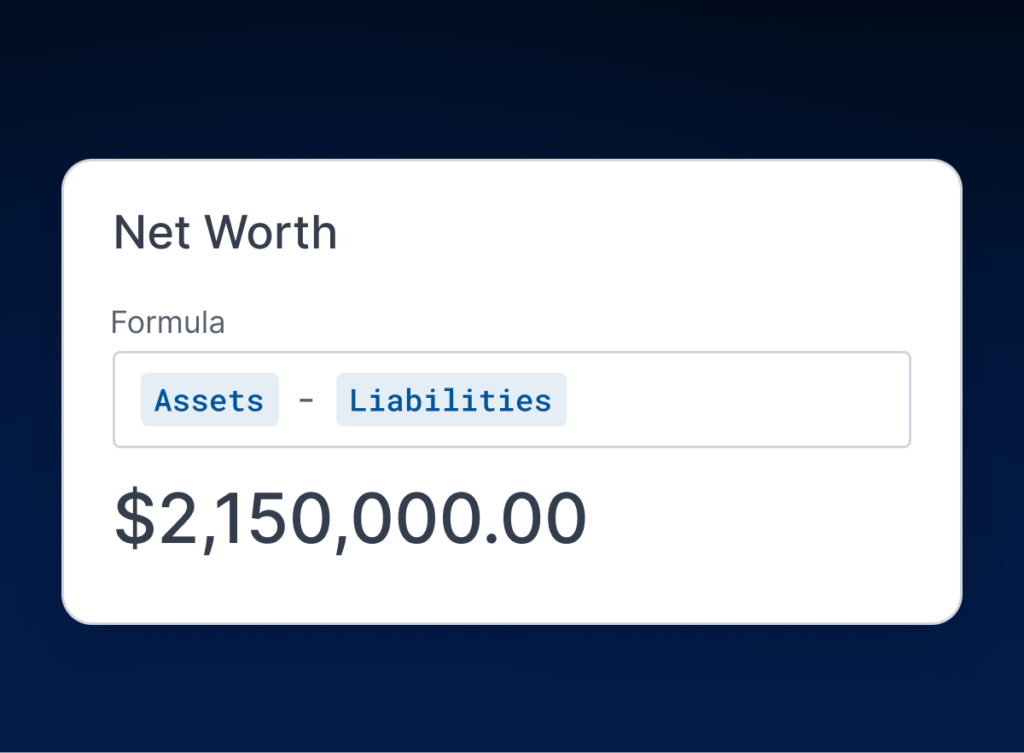
Introducing Formula Fields in Wealthbox
November 3, 2026 · 3 min read
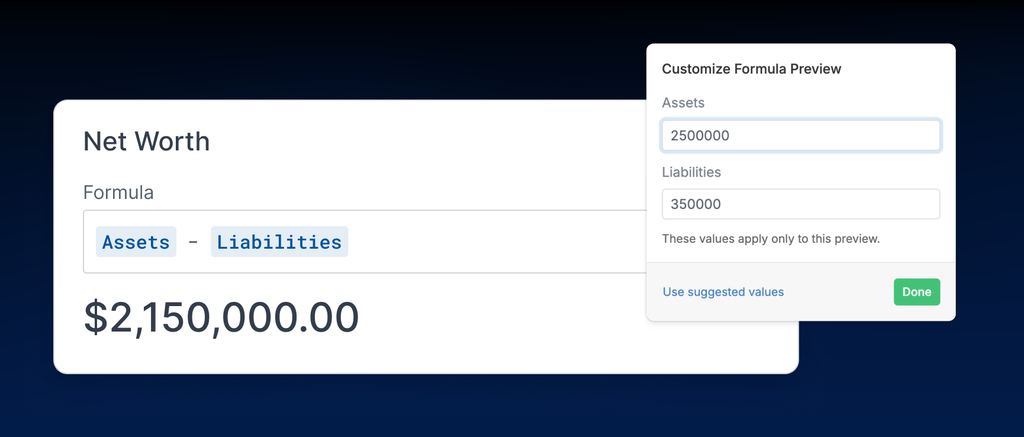
Wealthbox is excited to introduce Formula Fields, a new custom field type that lets advisors automatically calculate values using information already stored in their CRM. From tracking days until a client’s next review to calculating net worth or estimating annual fees, Formula Fields help advisors spend less time on manual calculations and more time working with clients.
With Formula Fields, firms can create calculations based on other fields, and the results automatically update as the underlying information changes.
Turn Client Data Into Useful Insights
Advisors track important financial information, dates, and milestones in Wealthbox. But turning that information into something actionable often requires additional calculations or manual tracking.
Formula Fields bring those calculations directly into Wealthbox.
For example, an advisor can create a formula that calculates the number of days until a client’s next review or how long it’s been since their last contact. As dates change, the calculated values update automatically, making it easier to see which clients may need attention.
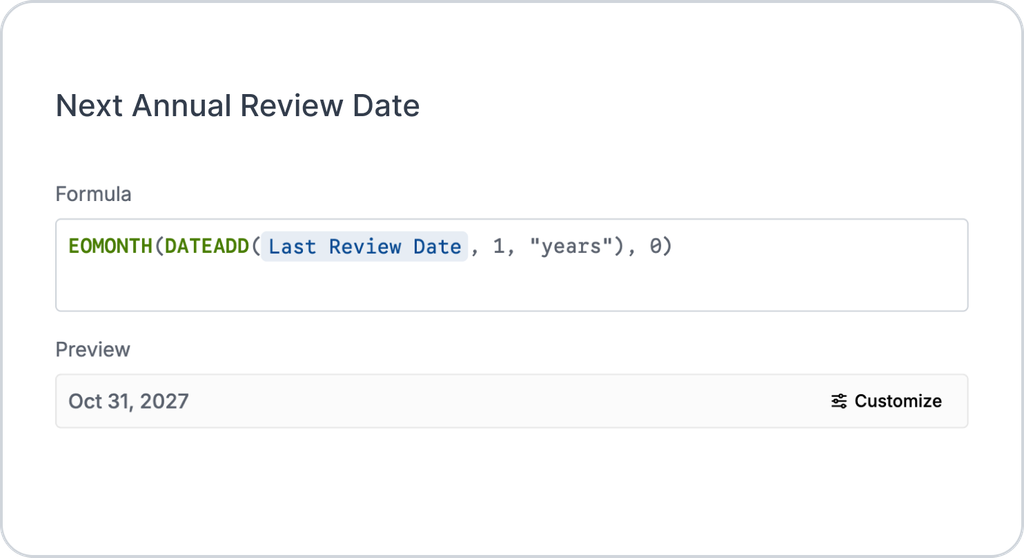
Firms can also create formulas for financial calculations, including net worth, estimated annual fees, and savings progress, using the custom fields they already maintain in Wealthbox.
Putting Client Data to Work With Formula Fields
Formula Fields currently support number and date calculations, which cover many of the metrics advisors track most.
Here are a few examples of how advisors can use Formula Fields in Wealthbox:
- Days Until Next Review: See how many days remain until a client’s next scheduled review.
- Time Since Last Contact: Track the number of days since the last recorded client interaction.
- Net Worth: Calculate the difference between a client’s total assets and liabilities.
- Annual Fee Estimate: Estimate annual revenue using assets under management and a fee percentage.
- Next Annual Review Date: Calculate the next review date based on the previous review.
- Years Until Retirement: See the difference between the current year and a client’s planned retirement year.
- Savings Progress: Calculate how close a client is to reaching a savings goal.
Because Formula Fields use each firm’s own custom data, advisors can tailor these calculations to their planning processes, client relationships, and business needs.
Build Formulas Without Leaving Wealthbox
Account Owners and Admins can create Formula Fields directly from Settings > Custom Fields.
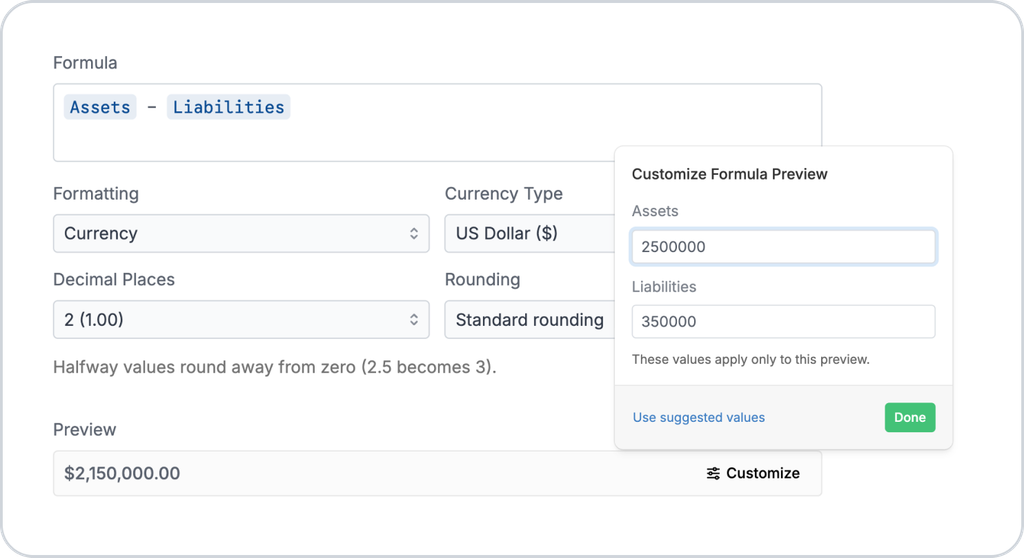
The formula builder supports basic math, along with 17 built-in functions for calculations involving numbers and dates. Admins can select existing custom fields, build their formulas, and preview example results before saving.
For numeric results, firms can also choose how values appear, including number, currency, or percentage formats, with customizable decimal places and rounding.
Once a formula is saved, its calculated value appears automatically on the relevant records. When an underlying custom field changes, the result changes with it.
Calculated Values Appear on Records, Reports, and Filters
Formula Fields are available for contacts, households, opportunities, and custom objects.
Calculated values appear directly on records and in custom object tables. Because they work as report columns and filters, you can build a list of clients with a review due in the next 30 days, or households above a fee threshold.
Whether a firm wants to track upcoming reviews, monitor client savings progress, or estimate fees, Formula Fields make that information easier to access and use.
Get Started With Formula Fields
Formula Fields are available on Wealthbox Premier and Enterprise plans, giving advisory firms another way to customize Wealthbox around how they work. By turning existing custom field data into automatically updated calculations, advisors can reduce manual work and keep important information current.