Introducing Custom Navigation
June 2, 2026 · 3 min read
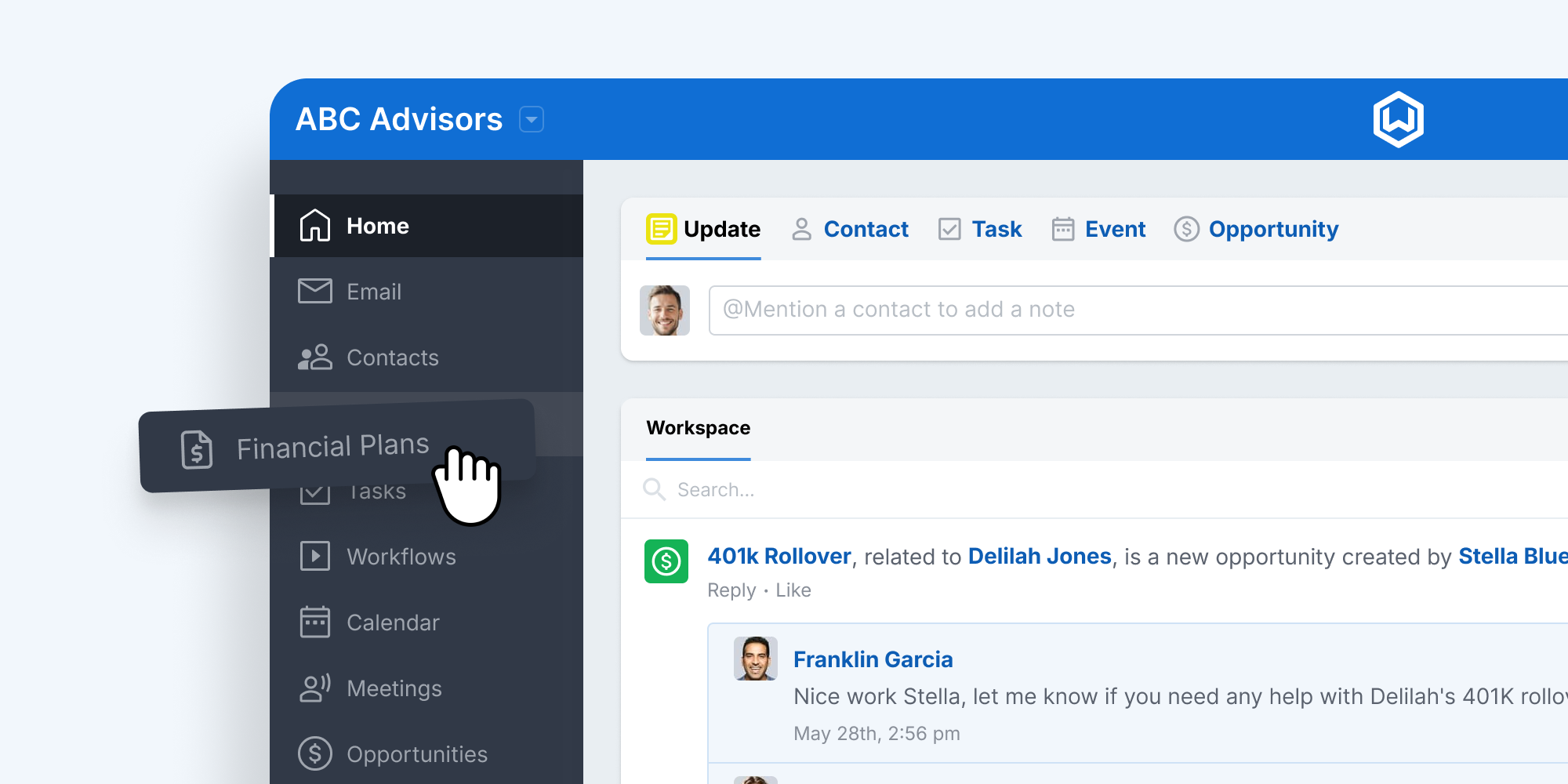
Every firm uses Wealthbox differently. Some teams live in Tasks and Workflows. Others spend most of their day in Contacts or Reports. Until now, the left-hand navigation was the same for everyone, regardless of how your firm actually works.
Custom Navigation, now available in Wealthbox, changes that. Firms can now reorganize, hide, or reorder any items of the Wealthbox left-hand menu to match the way their team operates, putting the features they use most front and center and getting everything else out of the way. Whether you want to surface a specific record type, streamline the menu for newer team members, or simply cut the noise from sections your firm never touches, Custom Navigation puts that control in your hands. And if you’re using new Custom Objects, those show up here too.
Put Important Items Front and Center
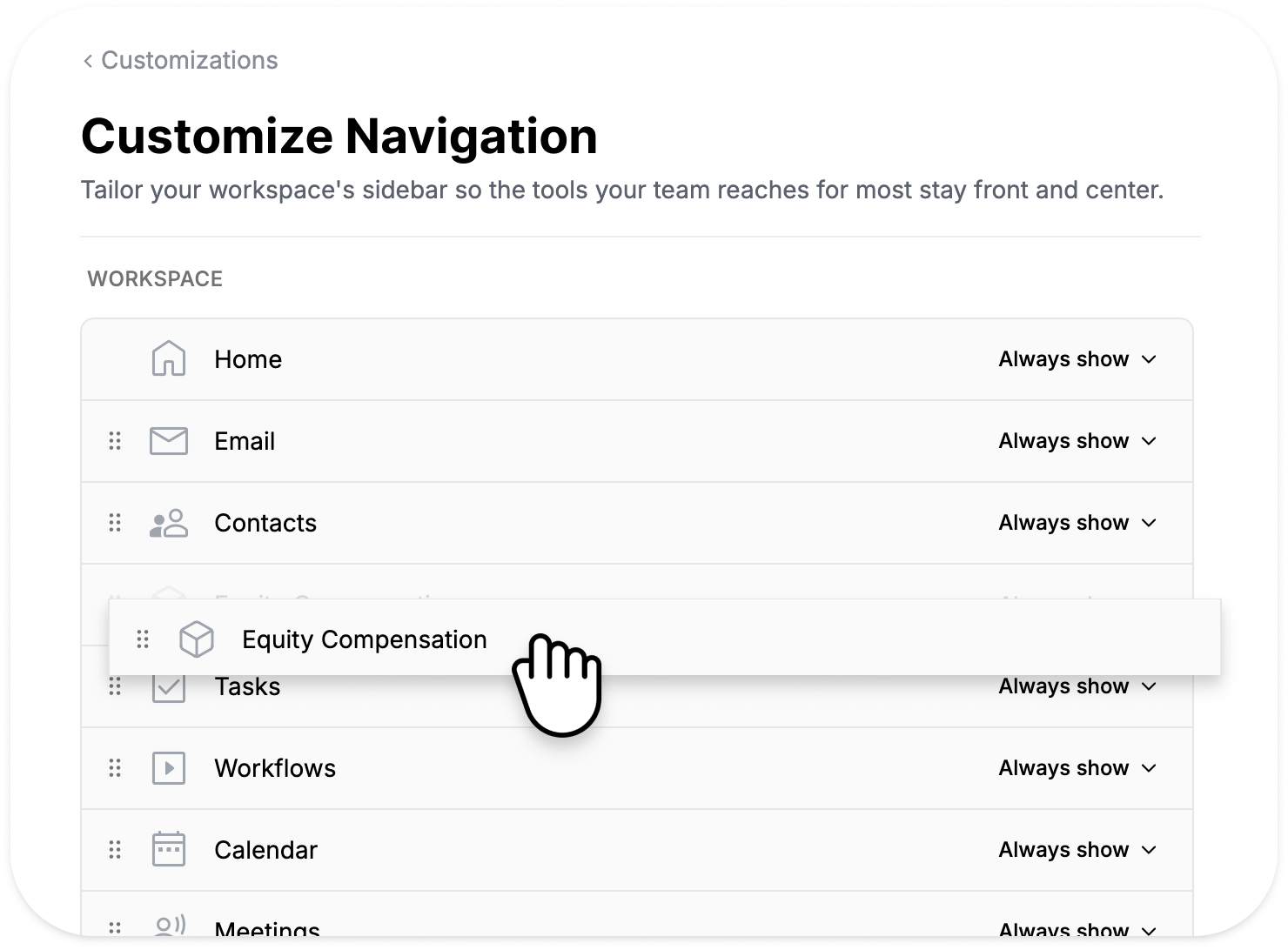
Custom Navigation allows administrators to reorder navigation items and determine which sections are always visible in the main navigation.
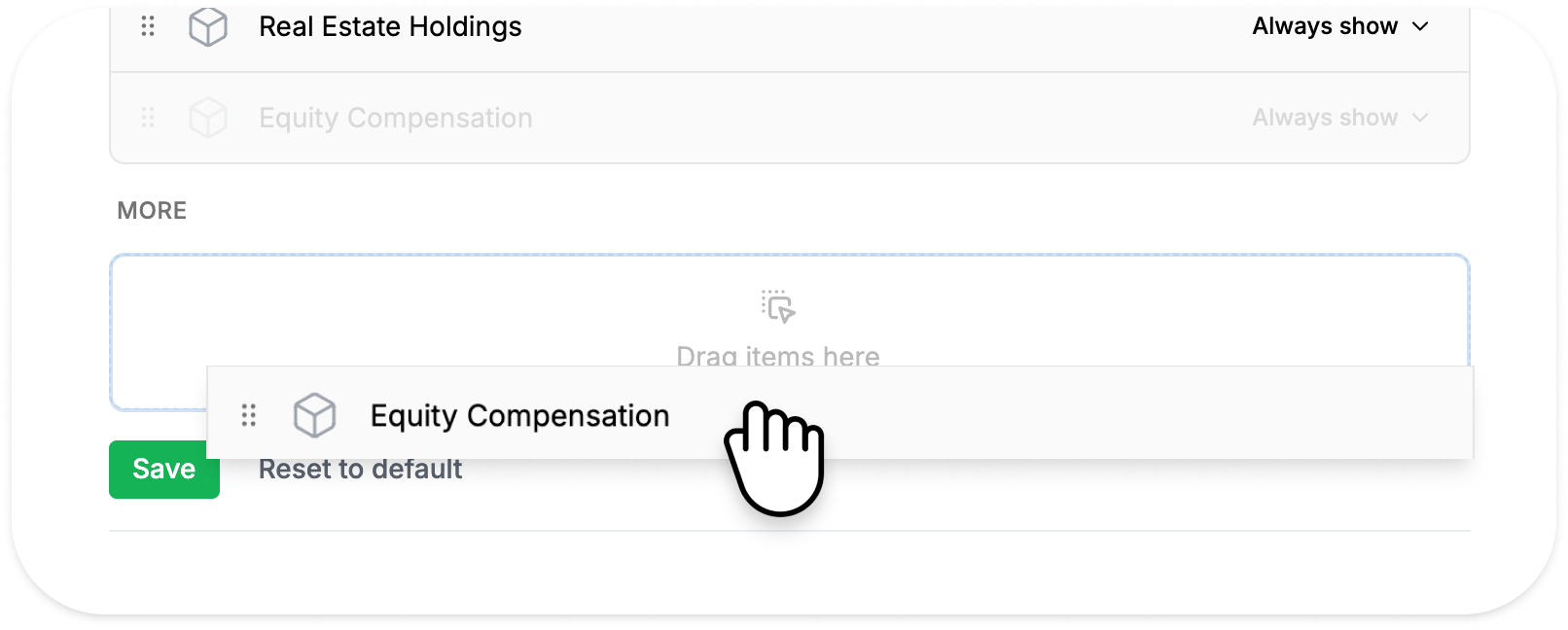
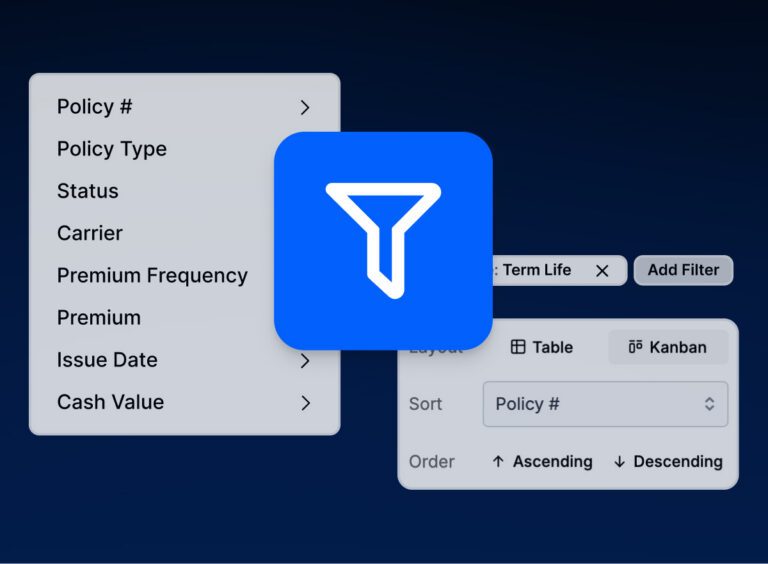
For example, if your firm relies heavily on Insurance Policies, Estate Plans, or other Custom Objects, those records can be promoted directly into the primary navigation for faster access. At the same time, less frequently used features can be moved into the new More menu to reduce clutter and keep the interface focused.
The result is a cleaner workspace that reflects how your team actually works.
A New Home for Additional Navigation Items
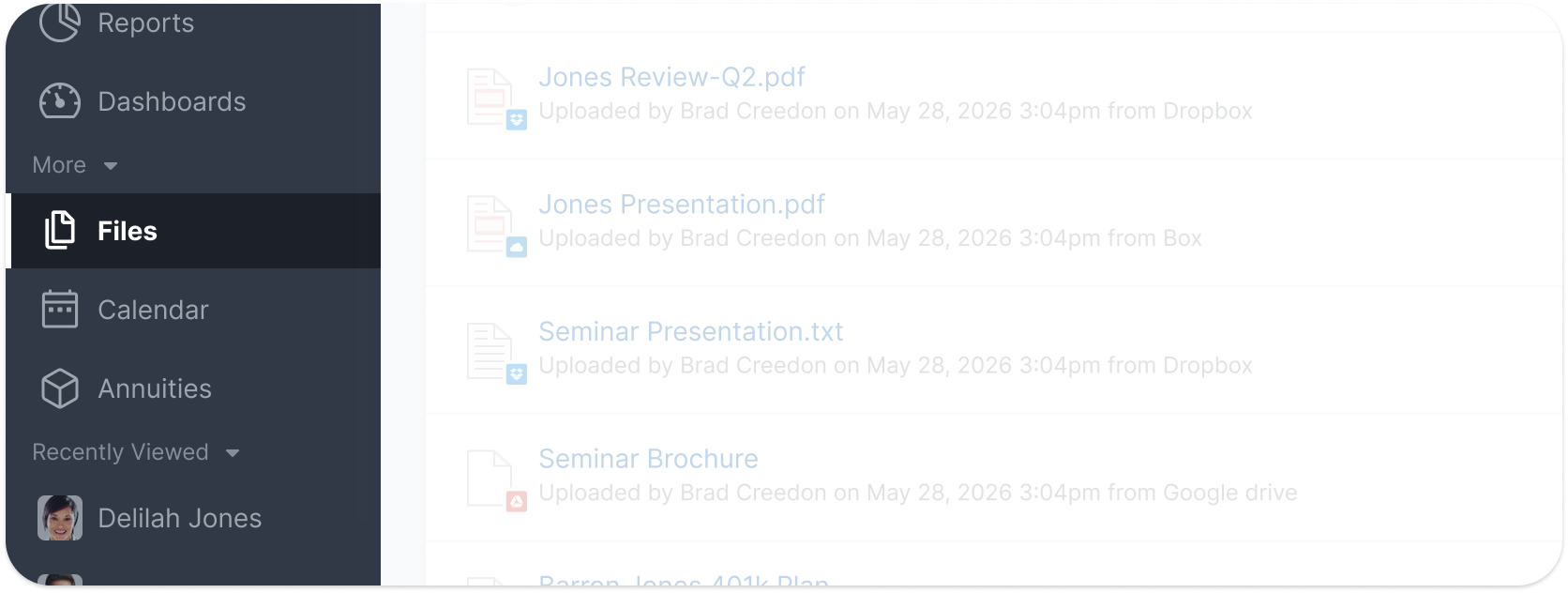
To support a more customizable experience, Wealthbox now includes a dedicated More menu within the navigation.
Rather than hiding items behind multiple clicks, the More menu provides quick access to additional records, Custom Objects, and future navigation sections through a simple, organized interface.
Whether users have a handful of Custom Objects or dozens of additional navigation items, everything remains accessible and easy to find.
Workspace-Level Configuration
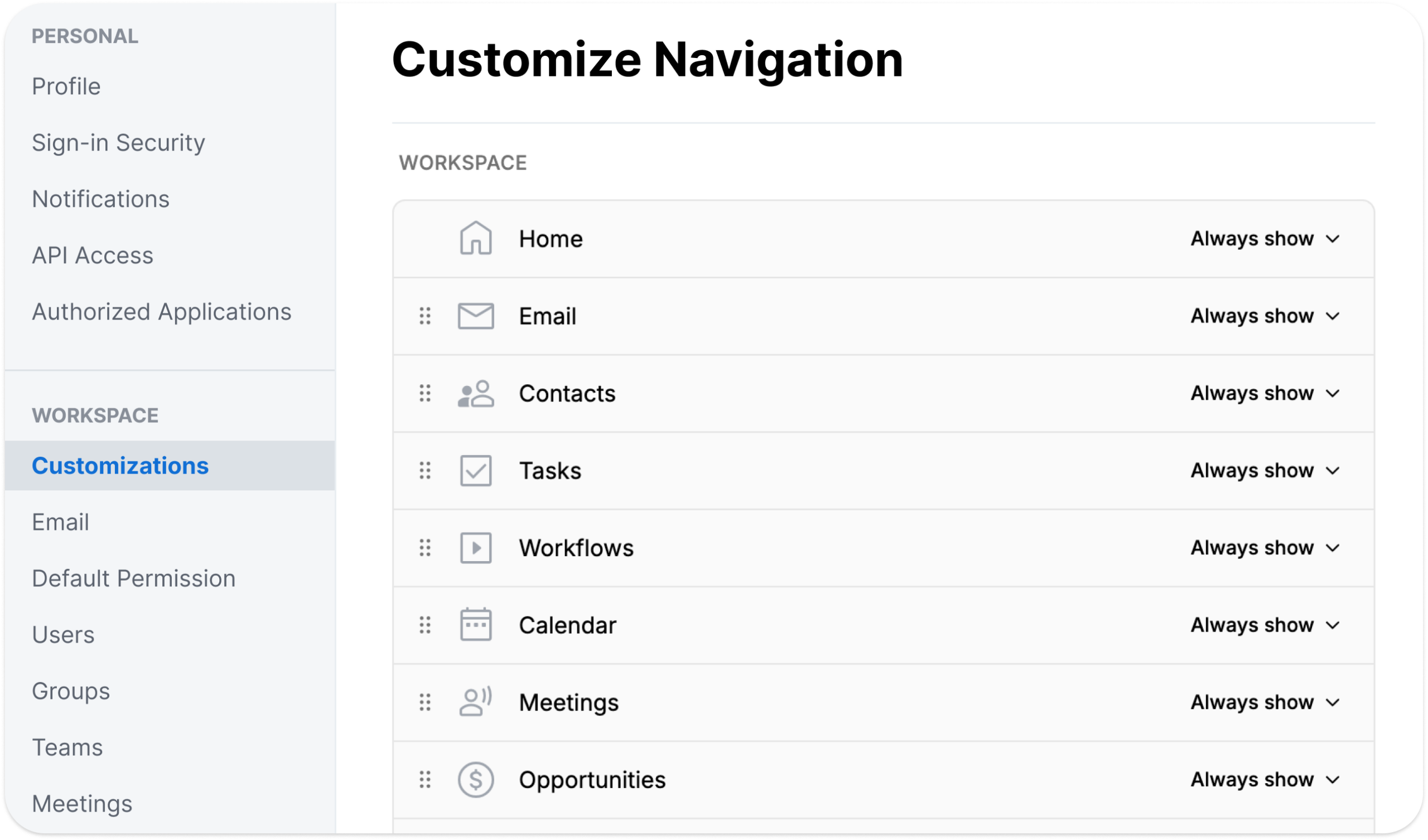
Custom Navigation is managed at the Workspace level, allowing firms to create a consistent experience across teams.
Workspace administrators can:
- Reorder navigation items
- Choose which items are always visible
- Move items into the More menu
- Surface important Custom Objects directly in the primary navigation
- Create a navigation structure tailored to their firm’s workflows
Changes are automatically applied across the Workspace, ensuring all users share a consistent experience.
Built for a More Flexible Wealthbox
Custom Navigation is part of a broader effort to make Wealthbox more adaptable to the unique needs of growing firms.
As new features, Custom Objects, and workflow capabilities continue to expand, Custom Navigation provides a flexible foundation for organizing information without adding complexity.
By giving firms more control over their navigation experience, Wealthbox helps teams spend less time searching for information and more time getting work done.
Get Started
Custom Navigation is available to firms on the Premier and Enterprise plans and can be configured through Workspace Settings.
We’re excited to see how firms use Custom Navigation alongside Custom Objects and other platform enhancements to create a more personalized Wealthbox experience.