
New in Wealthbox: Talk to Your AI Assistant on iPhone
August 13, 2026 · 3 min read
Introducing Voice to the AI Assistant
The best conversations don’t happen at your keyboard.
Whether you’re driving between client meetings, walking into the office, or wrapping up a conversation on the go, there are moments when stopping to type just isn’t practical. Now, your Wealthbox AI Assistant is ready whenever you are.
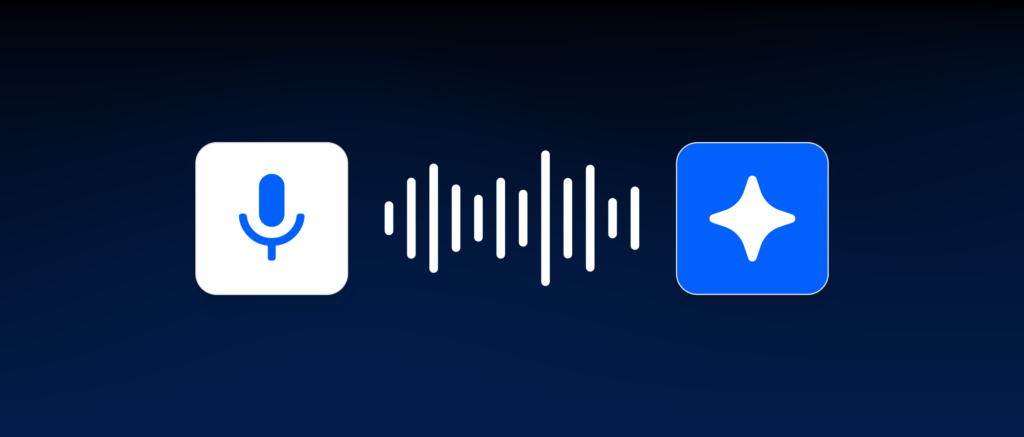
Today, we’re introducing Voice Assistant in the Wealthbox iOS app.
You can now talk naturally with the Wealthbox AI Assistant, hear responses spoken back to you, and continue getting work done, completely hands-free.
Continue the Conversation Wherever You Are
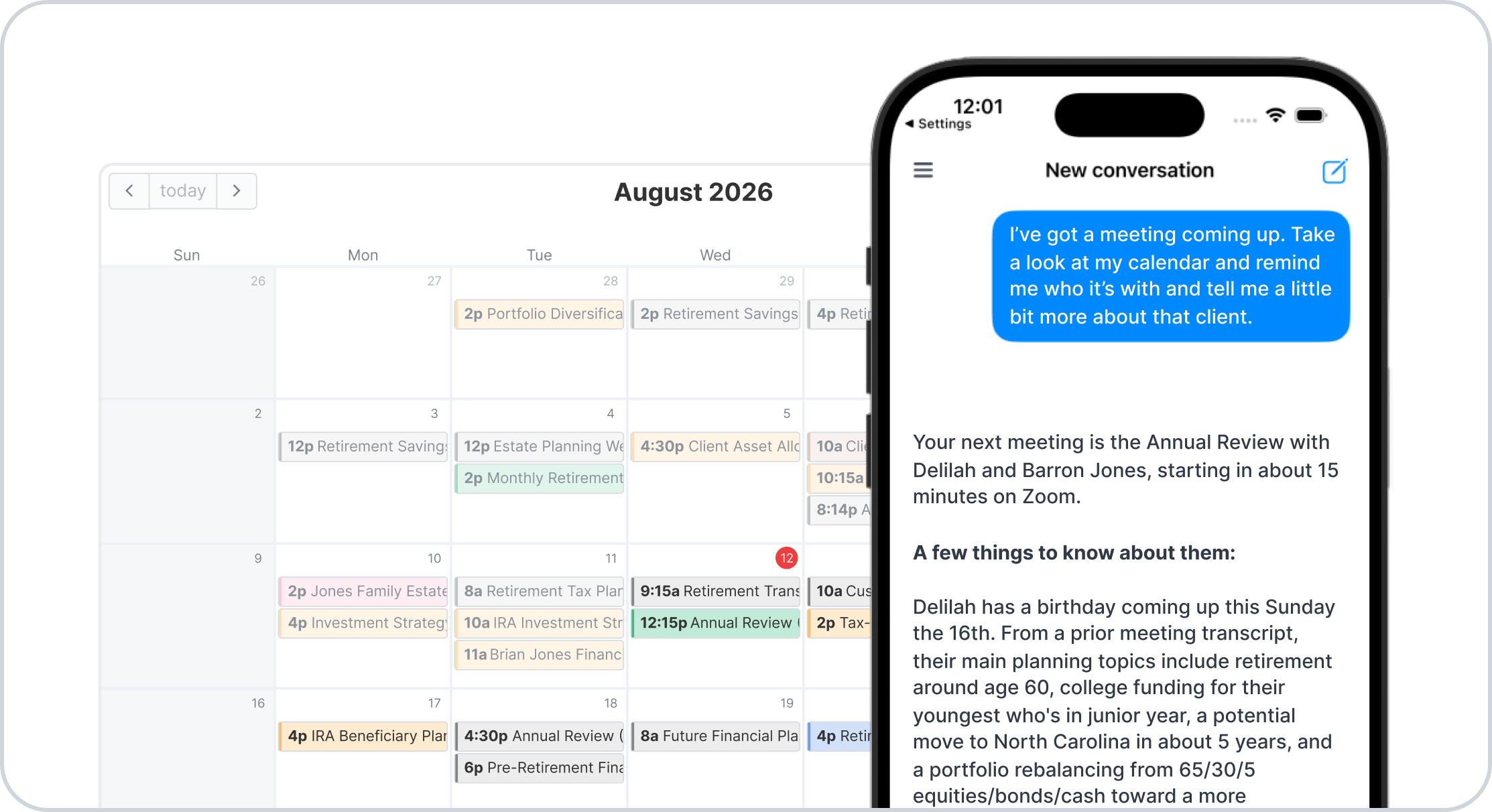
Your conversations with the AI Assistant aren’t tied to a single device.
Start researching a client at your desk, then continue the conversation from your iPhone while you’re on the move. Pick up where you left off, ask follow-up questions, and keep working without starting over.
Whether you’re heading to your next meeting or wrapping up your day on the drive home, your AI Assistant stays with you.
Have a Natural Conversation
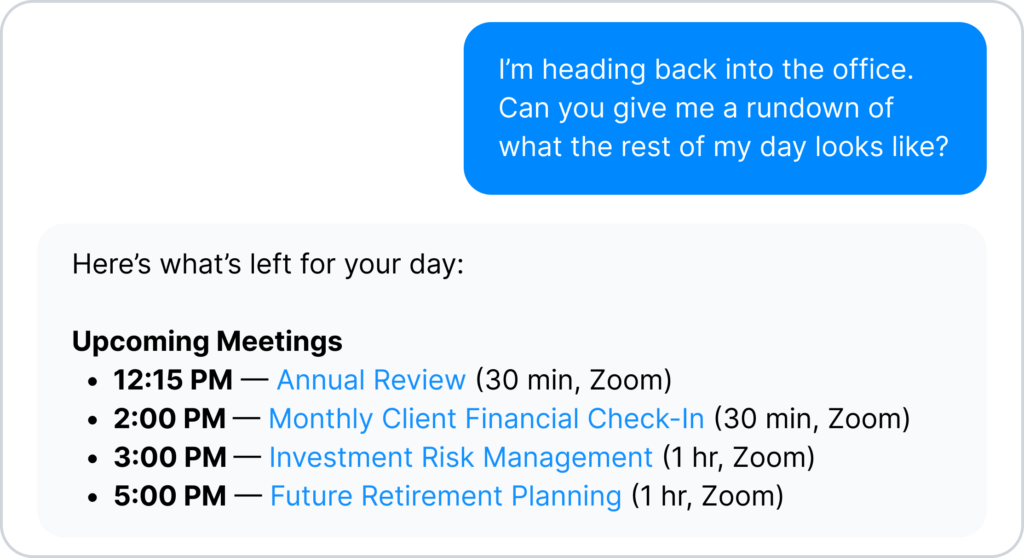
Voice Assistant is designed to feel less like issuing commands and more like having a conversation.
Ask a question naturally. Listen to the response. Interrupt when you have the answer or want to head in a different direction.
It’s the same AI Assistant you already use, now simply available through voice.
Stay Productive While You’re On the Go
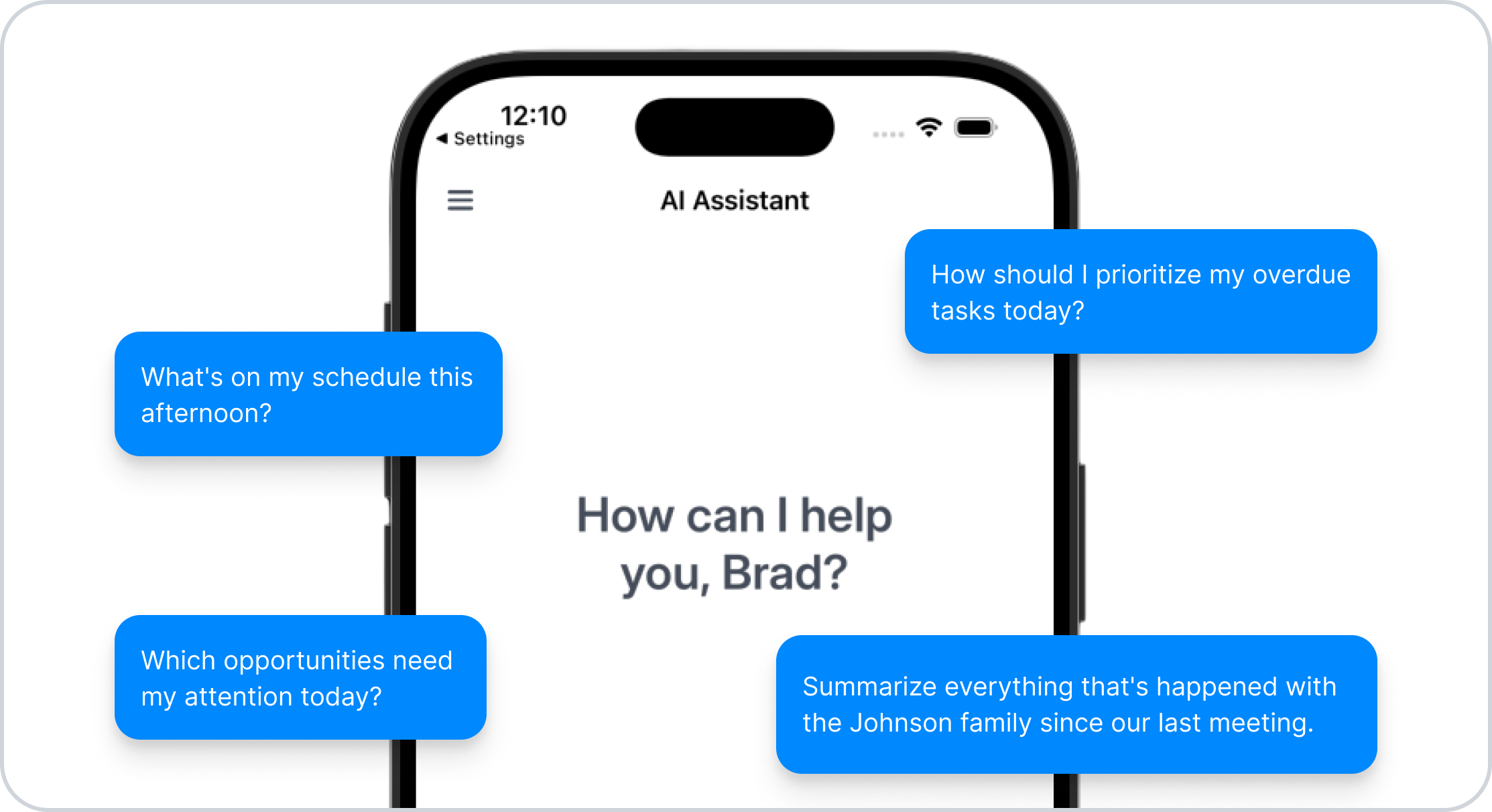
Voice Assistant opens up new ways to work throughout your day.
You might ask:
- “What’s on my schedule this afternoon?”
- “Summarize everything that’s happened with the Johnson family since our last meeting.”
- “Which opportunities need my attention today?”
- “How should I prioritize my overdue tasks today?”
Instead of waiting until you’re back at your desk, you can get the information you need the moment you think of it.
The Same Human-in-the-Loop Experience
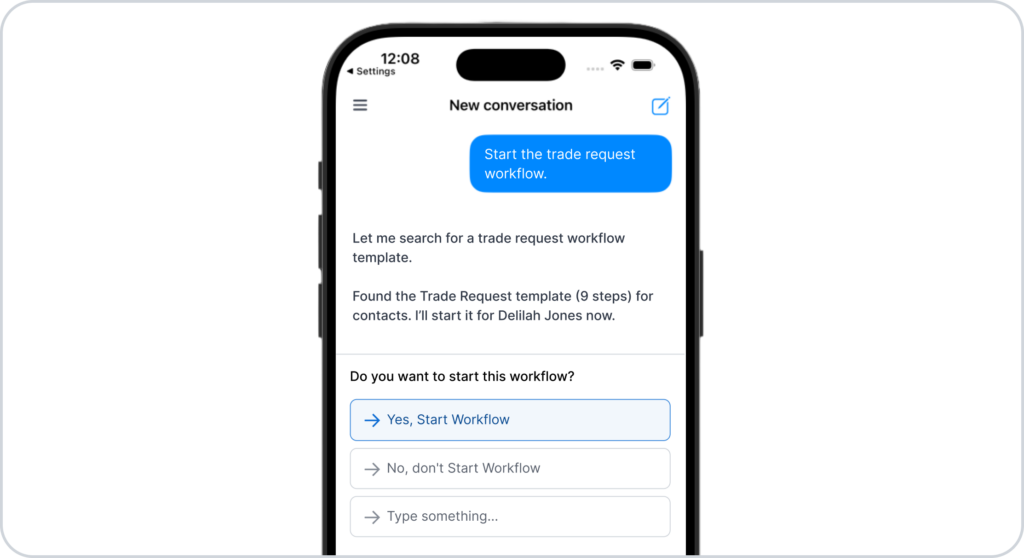
While the way you interact has changed, the protections haven’t.
Voice Assistant uses the same AI Assistant you’re already familiar with. Any action that creates or updates CRM records still follows Wealthbox’s human-in-the-loop approach. Proposed changes are presented for your review, and you speak your approval before anything is written to Wealthbox.
That means you get the convenience of voice with the same confidence and control you expect from Wealthbox AI.
Available Now
Voice Assistant is available now in the latest version of the Wealthbox iOS app.
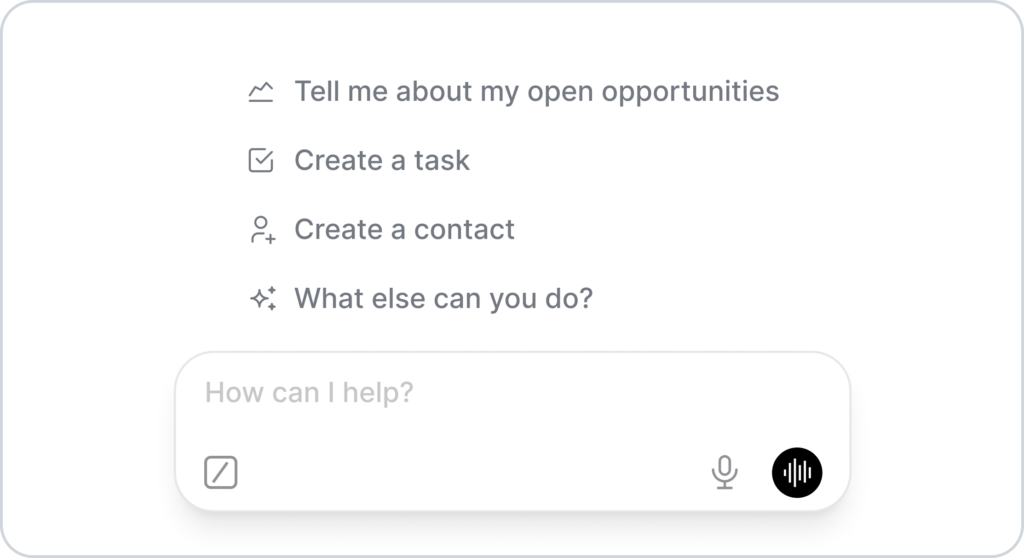
Update the app, open the AI Assistant, tap the black waveform button, and start talking.
Your practice doesn’t stop when you leave your desk. Now your AI Assistant doesn’t either.
For more information, watch the “How to use Voice Assistant in the Wealthbox iOS App” video from our How-to video series.